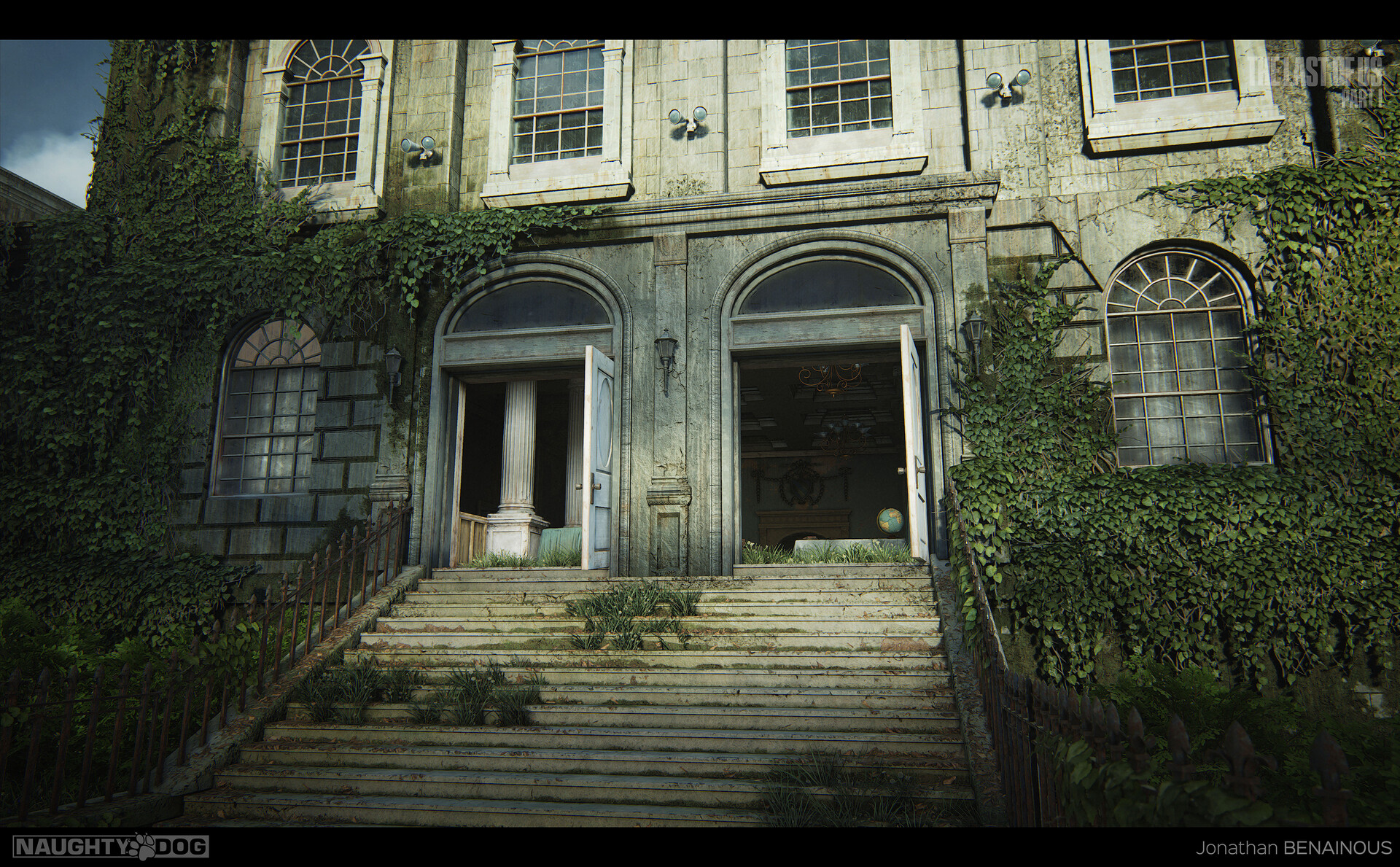
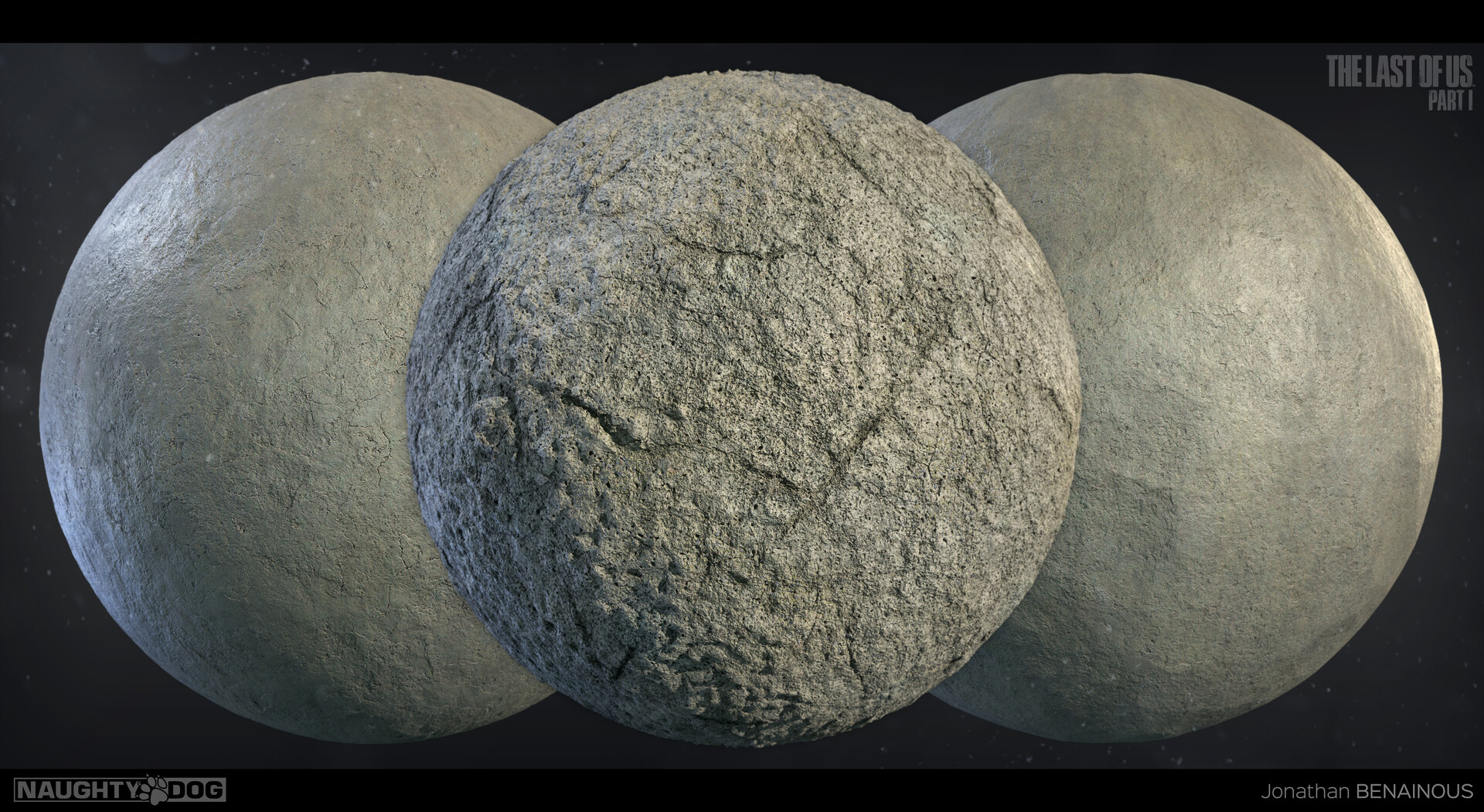
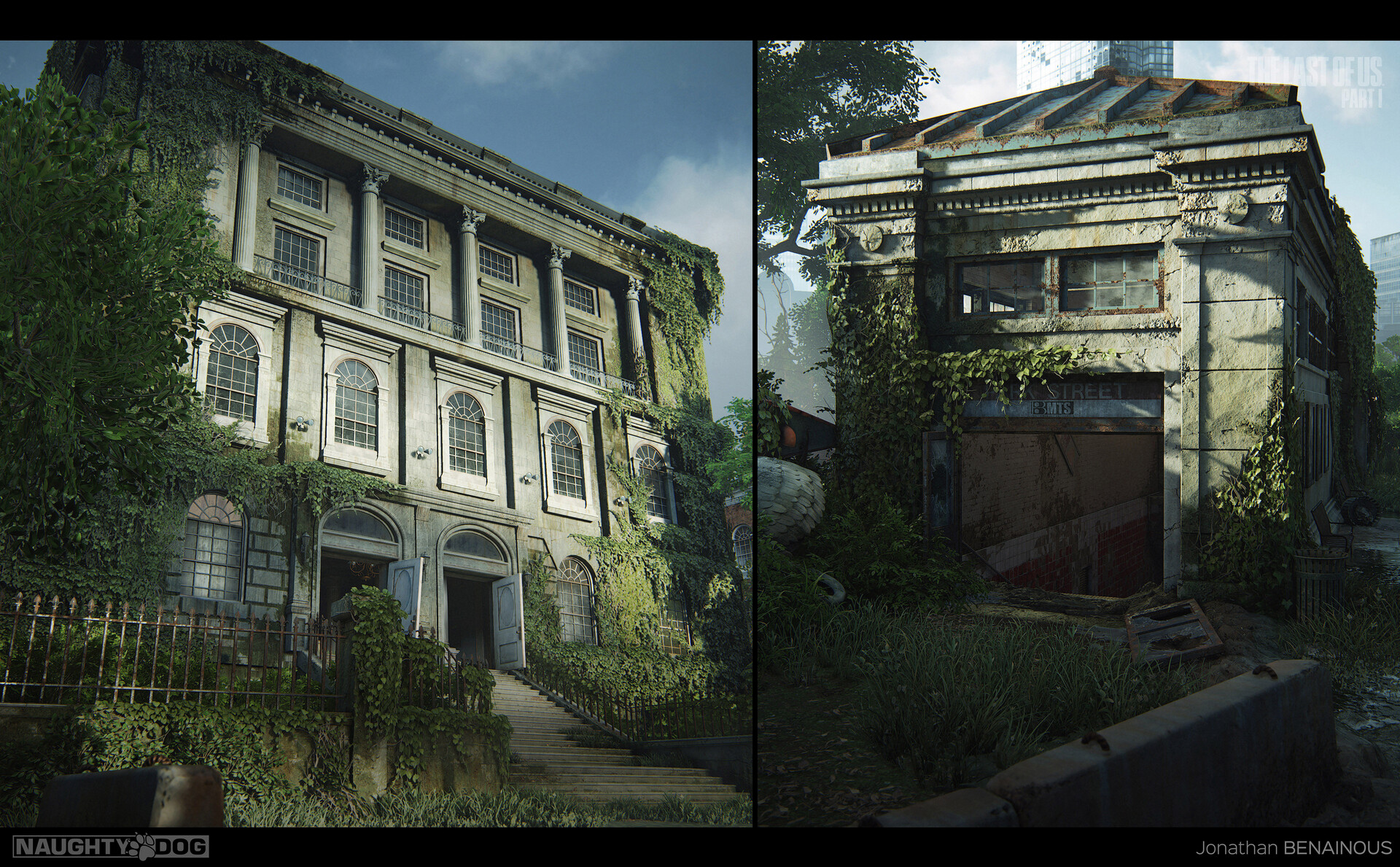
The Last of Us Part I - Capitol Building Materials [Part II] - by Jonathan BENAINOUS
This gallery is a collection of some of the many materials I made during the production of The Last of Us Part I.
---
This series gives an overview of my responsibilities on the project as Senior Environment Texture Artist with some detailed breakdown, blending videos, before/after shots and material balls.
---
Every material showcased in this gallery were all fully made in Substance 3D Designer and rendered in Marmoset Toolbag.
While these materials were made for the Capitol Exterior, most of them were also put in the base library and can be found throughout the game.
---
For more information, please make sure to read the caption under each image and video to get some additional insight on my workflow and Environment Art techniques.
---
Hope you like it and find this series of galleries useful!
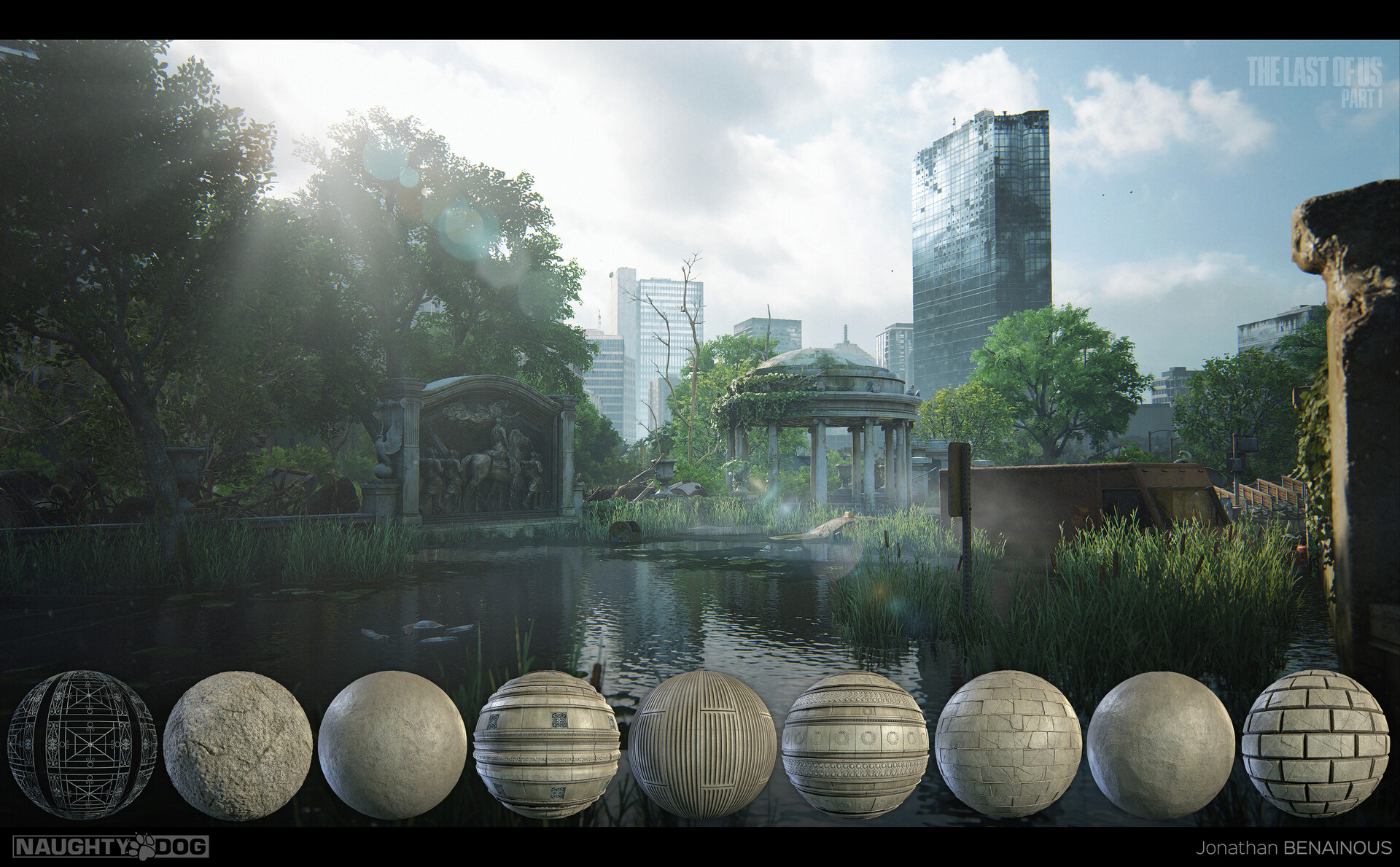
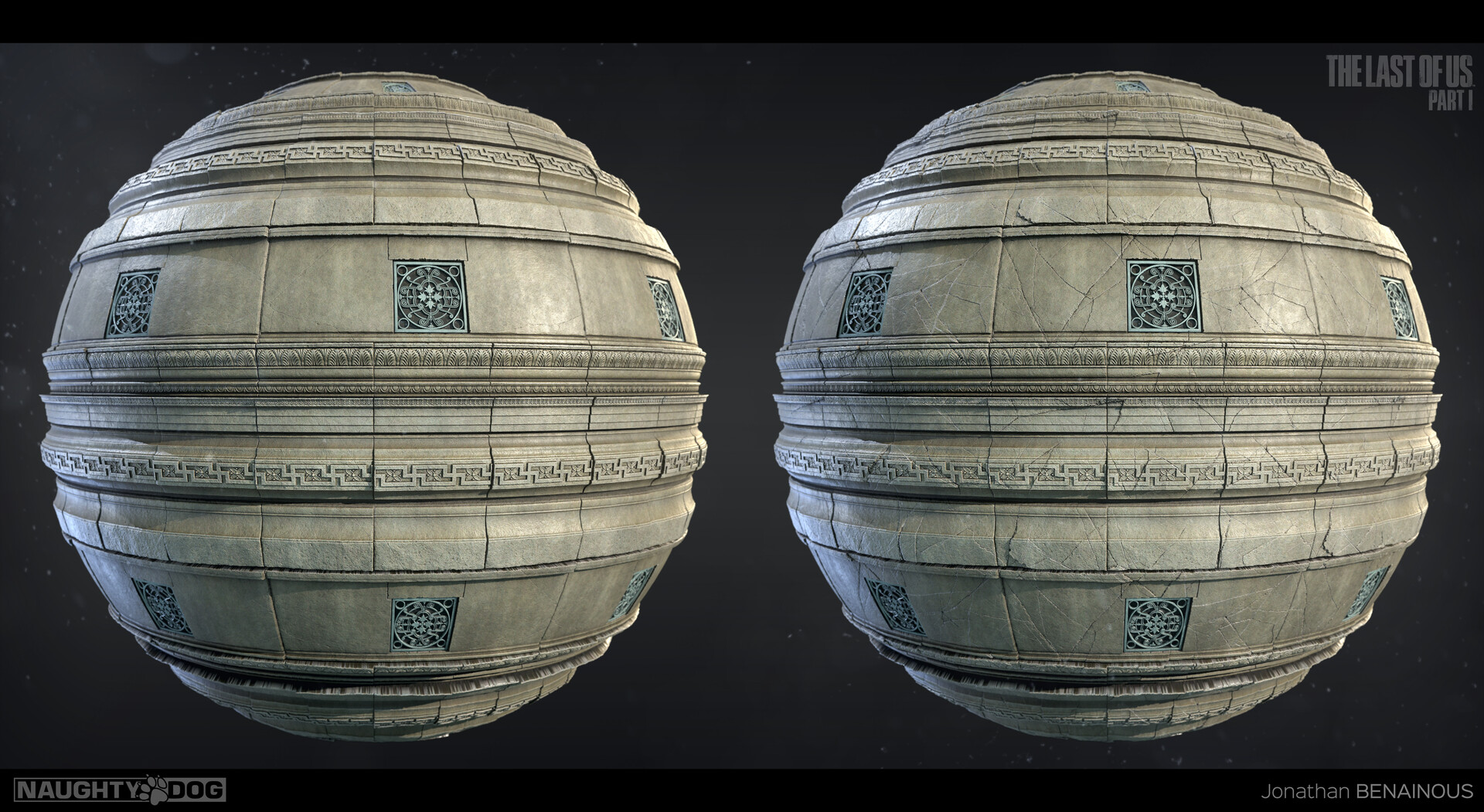
Height and Albedo breakdown of the gazebo trim material - Fully made with Substance 3D Designer
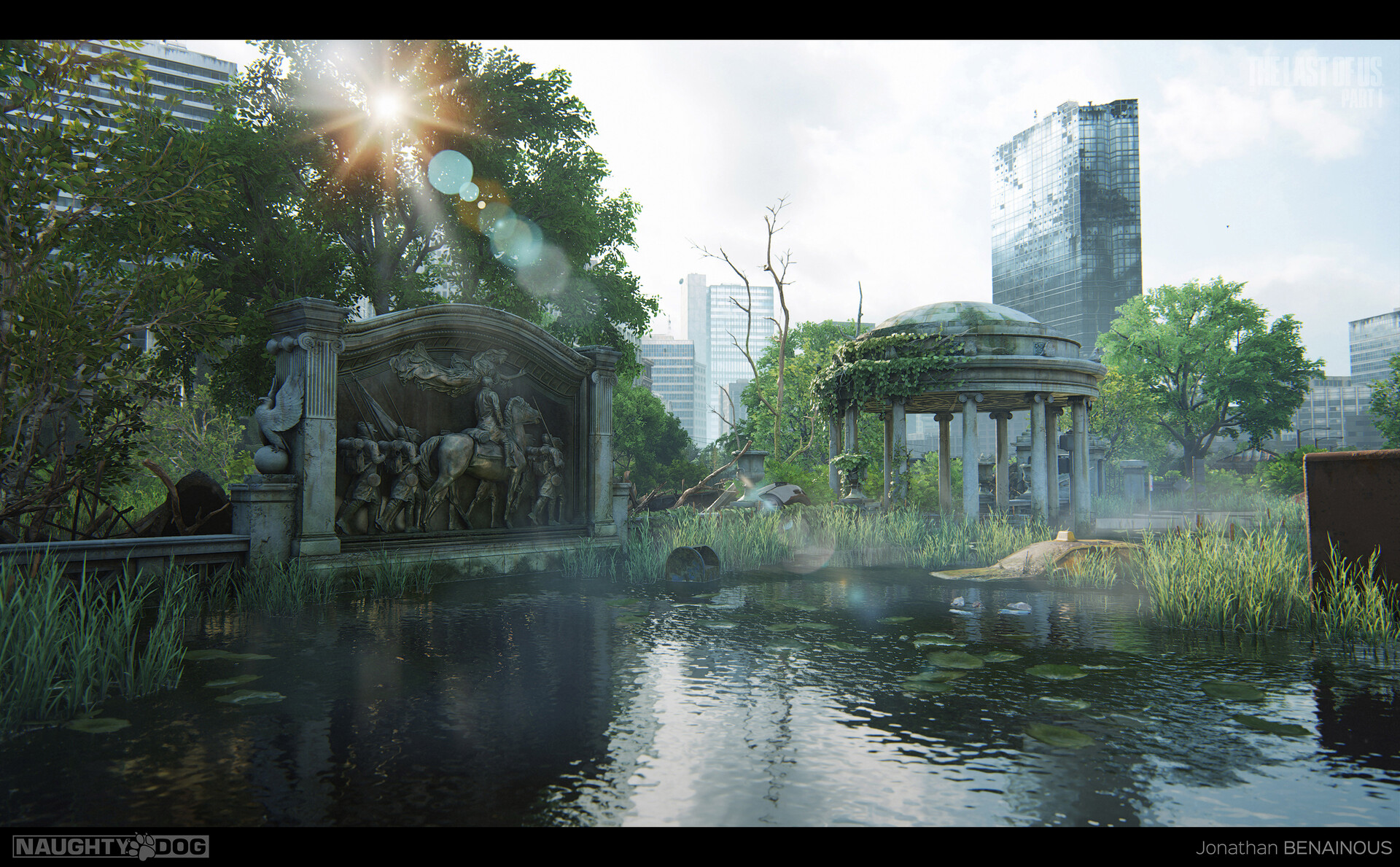
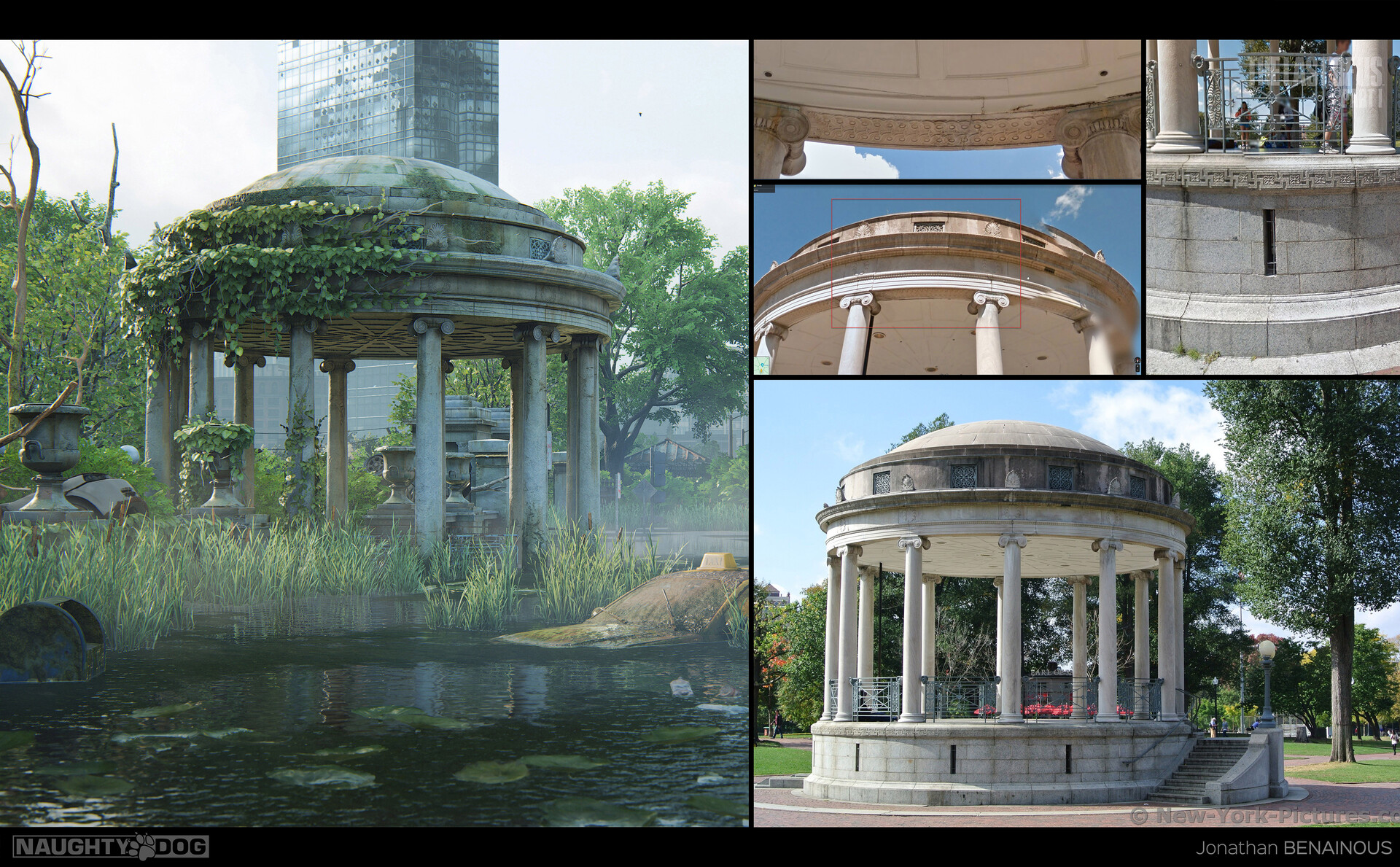
Here is a reference board of the gazebo we used as main inspiration and the final asset in the game on the left.
After creating the shader in a proprietary software, I'm blending the different layered materials using vertex color. It allows me to add cracks, moss, leaks and wetness to my assets.

Here is how I achieved the look of the gazebo using multiple materials. Based on metrics, I created two trims matching the scale of every ornate part, a stone wall and a tiling flat stone surface. All these materials blend with cracks, moss and wetness.
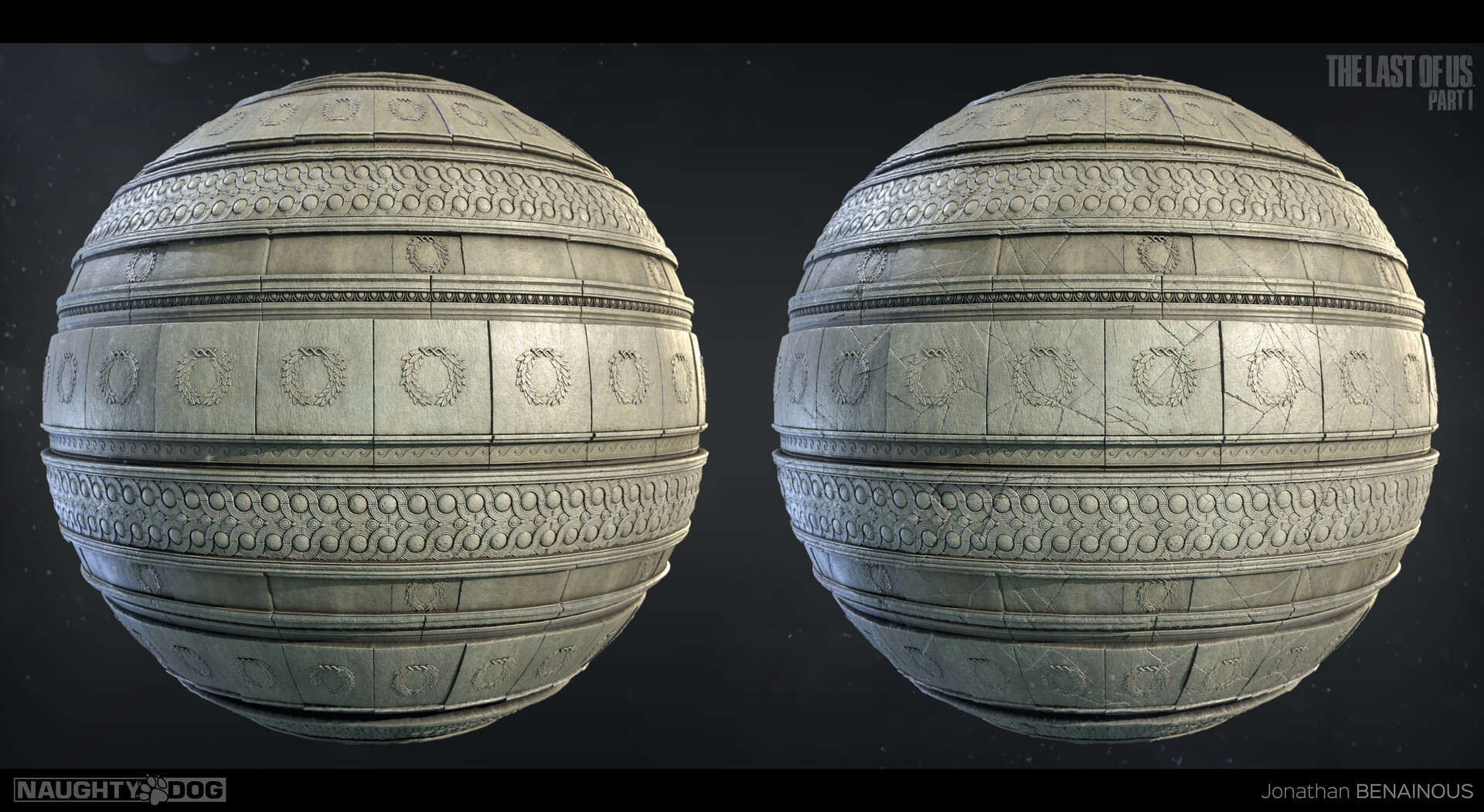

Here is an overview of some of the elements from the Height library I procedurally created on the project. Having all these shapes and patterns available to kitbash ornamental textures in Designer truly helped me to speed up my process down the line.


Here is a reference board of the monument we used as main inspiration and the final result in the game on the left.
Just like mentioned above, I'm blending the different layered materials using vertex color. It allows me to add cracks, damage, moss, leaks and wetness.
Note that all the baked parts use the same layering shader system.

Here is how I achieved the look of this monument using multiple materials. Based on metrics, I created two trims matching the scale of every ornate parts, a column and a tiling flat stone surface. All these materials blend with cracks, moss and wetness.

Here is a stone generator created in SD. This node was extremely helpful and versatile to create any type of wall stones, trims and surface details. Once combined to a tile sampler, having the exposed parameters made it very easy to achieve a unique look.